

Splitting Expenses Made Simple
Managing shared expenses during trips or group activities can be confusing. Sharepay makes it easy to split expenses and keep everything transparent among group members.
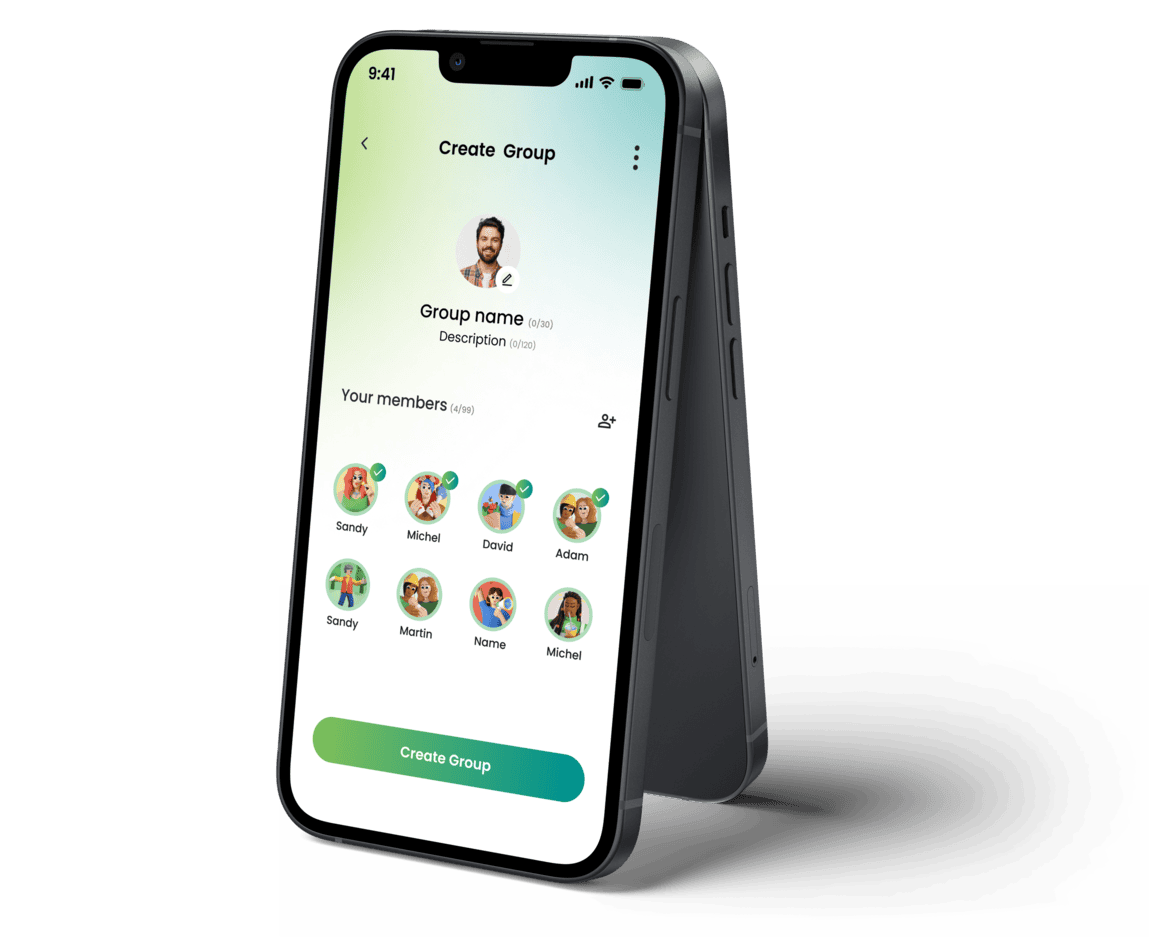
Create a Group
Create a group and add your friends or travel companions. Everyone in the group can instantly view and participate in managing expenses.
What you can do
- Create a new group
- Add members and expenses
- Manage group settings
- View activity.
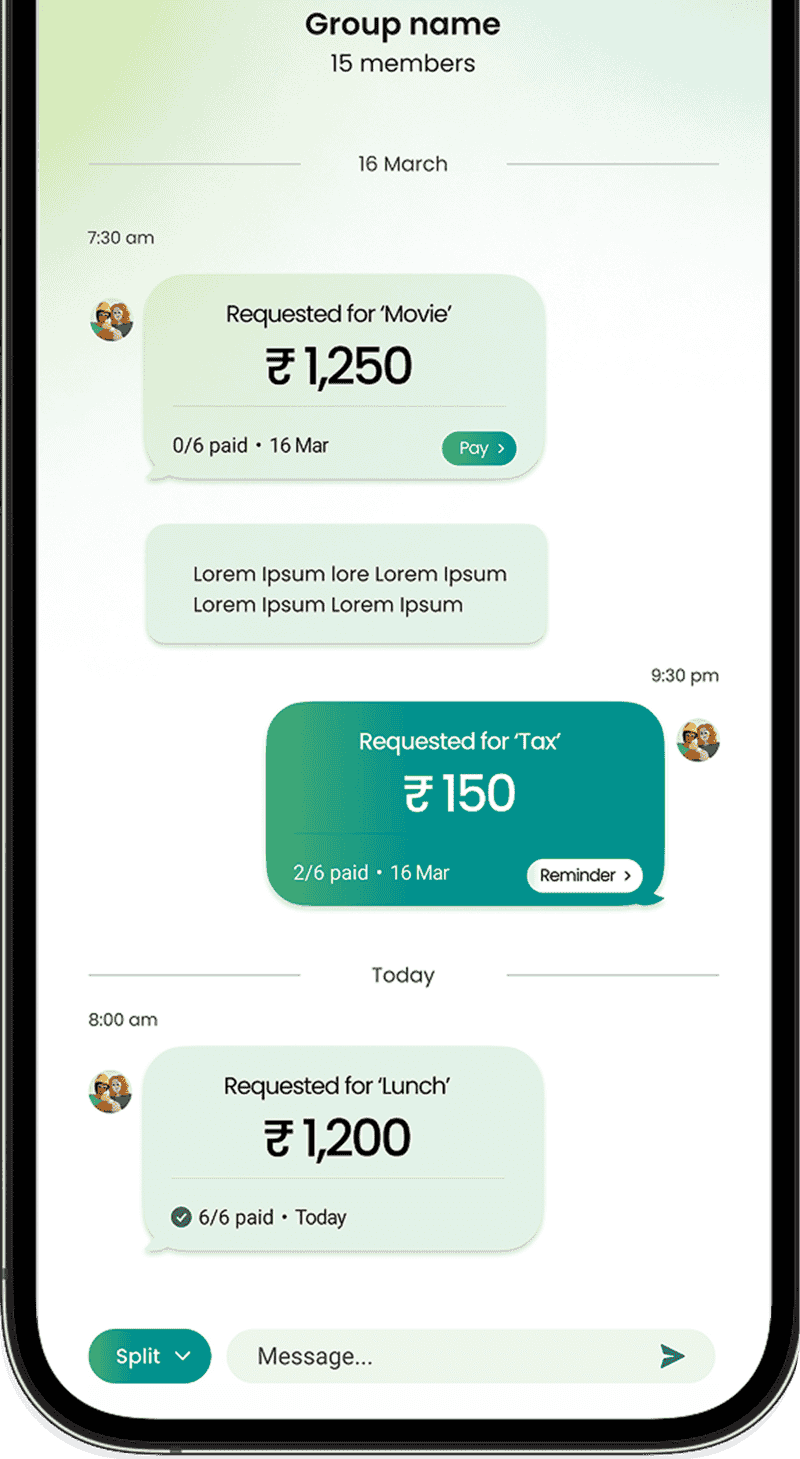
Add an Expense
Whenever someone pays for something, simply add the expense to the group. You can include details such as the expense name, amount, and the person who paid.
What you can do
- Add expense
- Enter amount & details
- Select payer
- Split with members
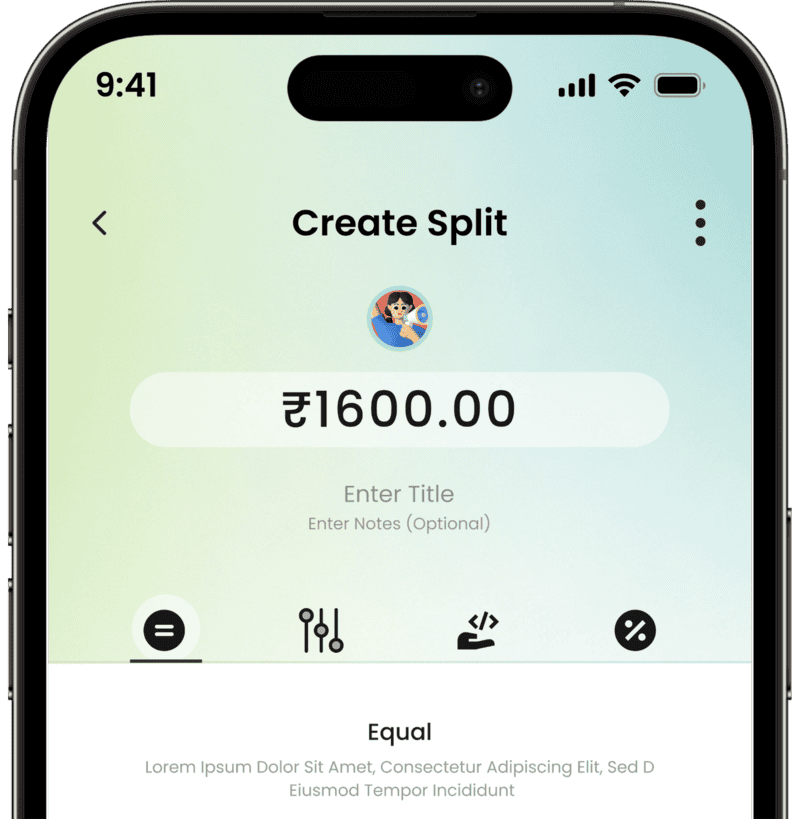
Choose How to Split
Sharepay allows you to split expenses in different ways depending on the situation.
Equal Split
Divide the total amount equally among all group members.
Custom Split
Allocate specific amounts to each member based on their individual share.
Percent Split
Distribute the expense by assigning percentage values to each member.
Shares Split
Split the expense based on assigned shares, where each member contributes proportionally.
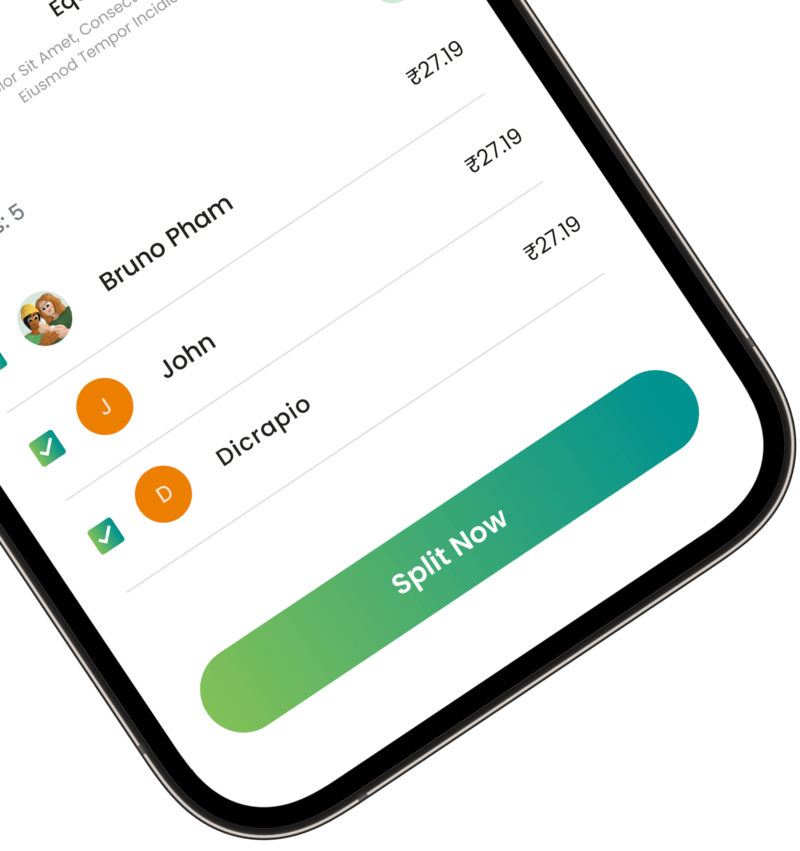
Track Who Owes What
Once the expense is added and split, Sharepay automatically calculates the balances.
Everyone in the group can clearly see:
- Who paid for what
- Who owes money
- The total group balance
Stay Updated with
Notifications
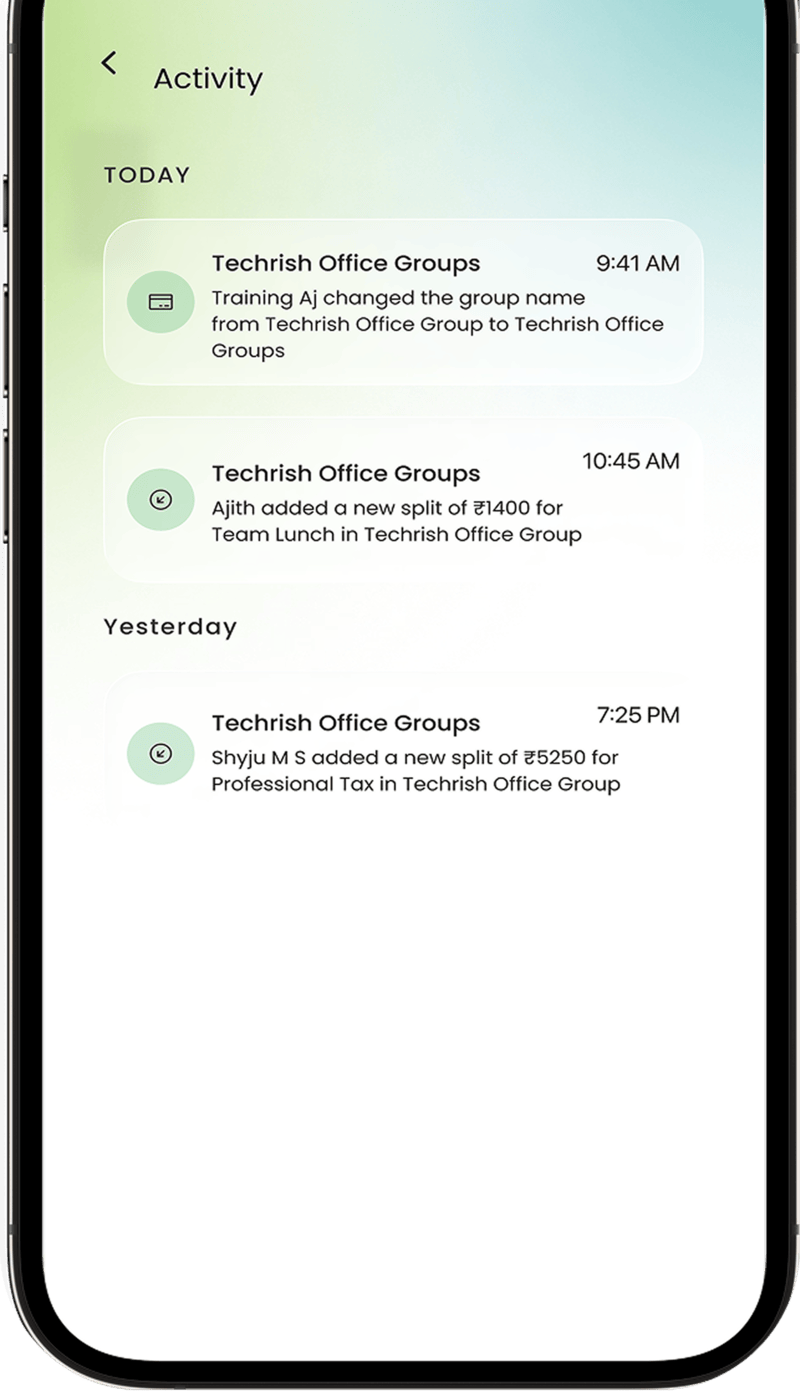
Sharepay keeps everyone informed about group activity.
You will receive notifications when:
- A new expense is added
- Group updates happen
Frequently Asked Questions
Got questions? We've got answers. If you have some other questions, feel free to contact us.
Sharepay divides expenses equally or lets you customize how costs are shared.
Yes, Sharepay allows uneven bill splitting based on individual shares.
Use Sharepay to track every expense clearly and keep balances updated.
Yes, you can create and manage multiple groups for different expenses.
Sharepay shows all shared expenses and balances in a single dashboard.
Sharepay simplifies daily expense sharing with easy tracking and updates.